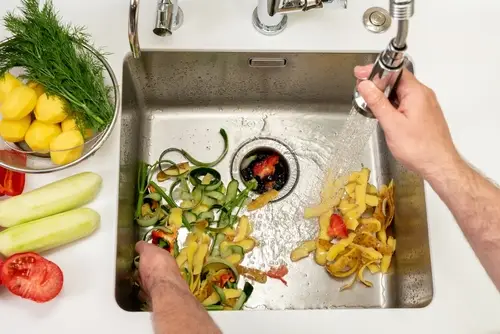
Mr. Appliance® explains how to unclog a garbage disposal. Follow these step-by-step instructions to unclog a garbage disposal.
|
- Required Time: Less than 30 minutes
- Skill Complexity: Easy
- Cost: Free with basic tools
The kitchen is often the heart of a home. But a clogged garbage disposal (or, “garburator,” as they’re usually known in Canada) can quickly make the heart of your home an unpleasant place to be.
Garbage disposal clogs can result in standing water in the sink, gross smells, and a ton of frustration. Fortunately, in most cases, you can unclog a garbage disposal safely by yourself. It doesn’t always require plumbing expertise—just a few tools, patience, and the right approach.
Let’s walk through what causes garbage disposal clogs, how to prevent them, and six quick steps to fix the problem if you've already got a blockage on your hands.
Article contents
- What To Know Before Unclogging a Garbage Disposal
- What Causes Garbage Disposal in Six Steps
- How to Avoid Clogging the Garbage Disposal
- When to Get Help From a Professional
- Choose Mr. Appliance for Garbage Disposal Repair Service
- FAQs About Unclogging a Garbage Disposal
What To Know Before Unclogging a Garbage Disposal
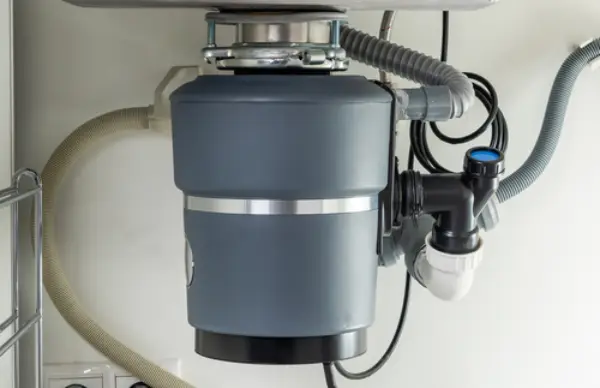
When attempting to unclog a garbage disposal, safety should be your top priority. Garbage disposals are powerful appliances that can cause serious injury if mishandled. Always disconnect power before you begin, and make sure you’re prepared with the right tools and protective gear.
Safety steps before unclogging a garbage disposal
- Unplug the unit or switch off the power at the circuit breaker.
- Wear protective gloves and safety goggles.
- Never put your hand directly into the disposal.
Tools and supplies you’ll need:
- Flashlight
- Scrub brush
- Tongs or needle-nose pliers
- Allen wrench or hex key
- Paper towels or rags
- Channel pliers
- Bucket
If you’re not comfortable working with electrical appliances—or the clog seems more serious than expected—contact a professional garbage disposal repair service. Professionals have the tools and experience to safely fix the issue without causing further damage.
How to Unclog a Garbage Disposal in Six Steps
Unclogging a garbage disposal is often a simple fix that many homeowners can do for free. Follow these steps to unclog a garbage disposal.
1. Reset the disposal
If your garbage disposal suddenly stops working, the problem may not be a clog—it could just need to be reset. Most units have a red reset button located on the bottom or base. Press it firmly to reset the internal breaker, then try running the disposal again.
If it still doesn’t turn on, or runs but only makes a humming noise, continue to the next steps.
2. Disconnect the power
Never work on a live appliance! Ensure the garbage disposal is completely disconnected from power before attempting to clear the
- If your disposal is plugged into an outlet, unplug it.
- If it’s hardwired, find the appropriate circuit breaker on your electrical panel and flip it to the “off” position.
Test by attempting to turn the disposal on. If it doesn’t make any sound, the power is safely disconnected.
3. Drain standing water
A clogged garbage disposal often leaves water pooled in the sink. Removing the standing water gives you a clear view of what’s inside and reduces the risk of splashing when you work on the disposal.
Use a plunger to loosen the blockage enough to let the water drain. If that doesn’t work, scoop the water out with a cup or small container.
4. Remove visible waste with tongs or pliers
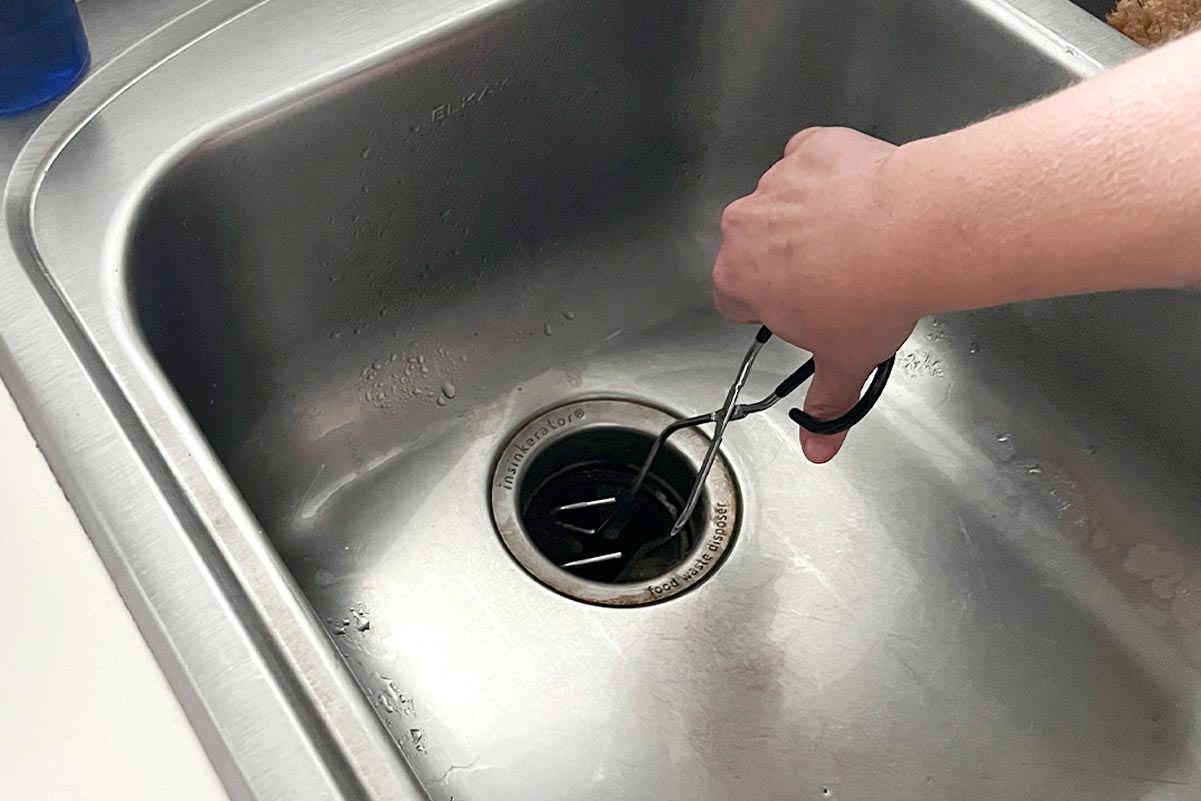
Once you’ve confirmed there’s no power and drained any standing water, use tongs or needle-nose pliers to remove any visible food or debris inside the disposal.
Shine a flashlight into the drain to locate the blockage, and gently pull out any trapped material. Avoid pushing down on the clog—it can compact the waste and make it harder to remove.
5. Turn the disposal impellers
If the disposal still won’t run after clearing debris, the impellers may be jammed. Most disposals have a small, hex-shaped hole at the bottom of the unit that allows you to manually rotate the blades using an Allen wrench.
- If you previously turned your disposal's power on again, make sure power to the unit is turned OFF before continuing.
- Insert the wrench and turn it back and forth a few times until the blades move freely.
Important: Never use your hand to turn the blades, even if the power is off. If the impellers don’t move after several attempts, it’s best to contact a service professional.
6. Check the fittings and pipes
If your disposal runs but still drains slowly, the issue might be in the plumbing below.
- Place a bucket under the P- or S-shaped pipe (the curved section under the sink), then use channel pliers to loosen the slip nuts.
- Carefully remove the pipe, check for buildup, and clean it with a small brush before reassembling.
- Keep the bucket under the pipe and run some water through the sink to ensure the fittings are secure.
How to Avoid Clogging the Garbage Disposal
Understanding what leads to a clogged garbage disposal is the best way to prevent future blockages. Garbage disposals grind food waste into tiny particles that can flow easily through the drain, but certain habits and materials can overwhelm the system.
Inserting the wrong foods
Fibrous or starchy foods are the most common culprits behind disposal clogs. Items like celery, corn husks, banana peels, or pasta tend to wrap around the impellers, while grains like rice and coffee grounds can stick together and create a thick sludge.
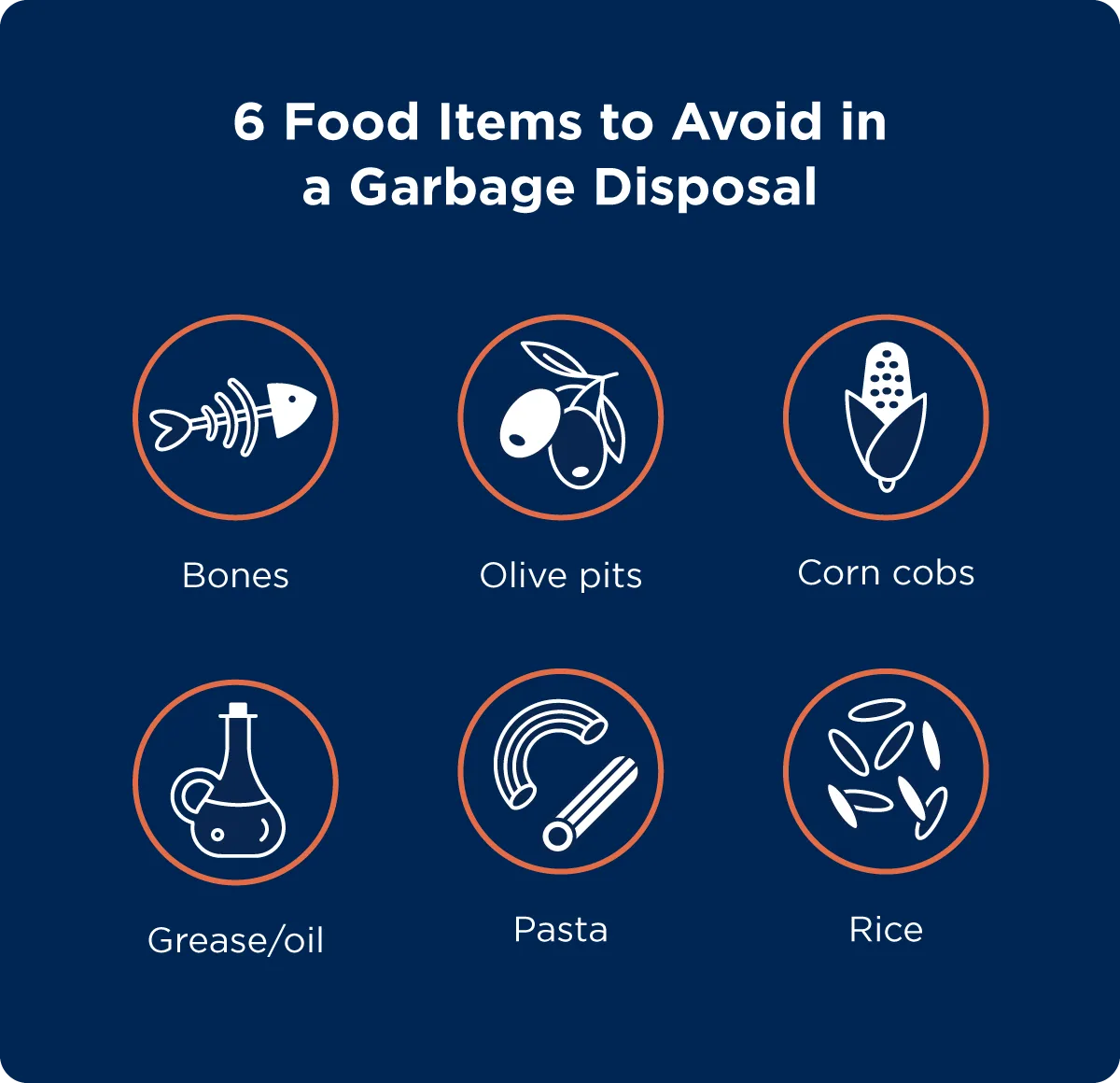
Avoid putting these items down your disposal:
- Bones
- Olive pits
- Grease or oil
- Corn cobs
- Pasta or rice
- Non-food items
Feeding too much at once
Even small food scraps can cause trouble if you cram them into the disposal too quickly. Cramming too much food at once can jam the impellers or overload the motor. Always feed items gradually and use plenty of water while the disposal runs.
Not using enough water
Water helps flush ground-up food through the pipes. Without enough water, food debris can stick inside the drain and cause blockages. Always run cold water before, during, and after (for at least 30 seconds) using your garbage disposal.
Using hot water
It may seem harmless, but hot water can melt fats and grease, causing them to re-solidify farther down the drain. Stick with cold water to keep food waste firm as it passes through the disposal.
When to Get Help From a Professional
If you’ve followed all six steps and your garbage disposal is still clogged, humming, or leaking, it may be time to call in an expert. Persistent blockages could indicate a damaged motor, worn impellers, or plumbing issues beyond the disposal itself.
A service professional can safely identify the cause of the problem and perform the necessary repairs. They can also recommend maintenance tips or replacement options if your disposal is nearing the end of its lifespan.

Choose Mr. Appliance for Garbage Disposal Repair Service
When DIY methods don’t do the trick, Mr. Appliance is here to help. Our service professionals handle everything from garbage disposal repairs to full replacements, ensuring your kitchen sink runs smoothly again.
We deliver fast, courteous service backed by the Neighborly Done Right Promise®—so you can have confidence your repair will be completed correctly the first time.
Schedule service with your local Mr. Appliance team today to restore your garbage disposal and keep your kitchen functioning efficiently.
This article is intended for general informational purposes only and may not be applicable to every situation. You are responsible for determining the proper course of action for your home and property. Mr. Appliance is not responsible for any damages that occur as a result of this blog content or your actions. For the most accurate guidance, contact the Mr. Appliance location nearest you for a comprehensive, on-site assessment.
FAQs About Unclogging a Garbage Disposal
Integrity, dependability, and exceptional customer service are the qualities that make Mr. Appliance the go-to resource for appliance maintenance and repairs. All independently owned and operated Mr. Appliance locations are committed to providing the top-notch service you expect from an industry leader, including using our expertise and years of experience to answer your questions. Here are answers to some of the most frequently asked questions about clogged garbage disposals.